Social Home
Pricing
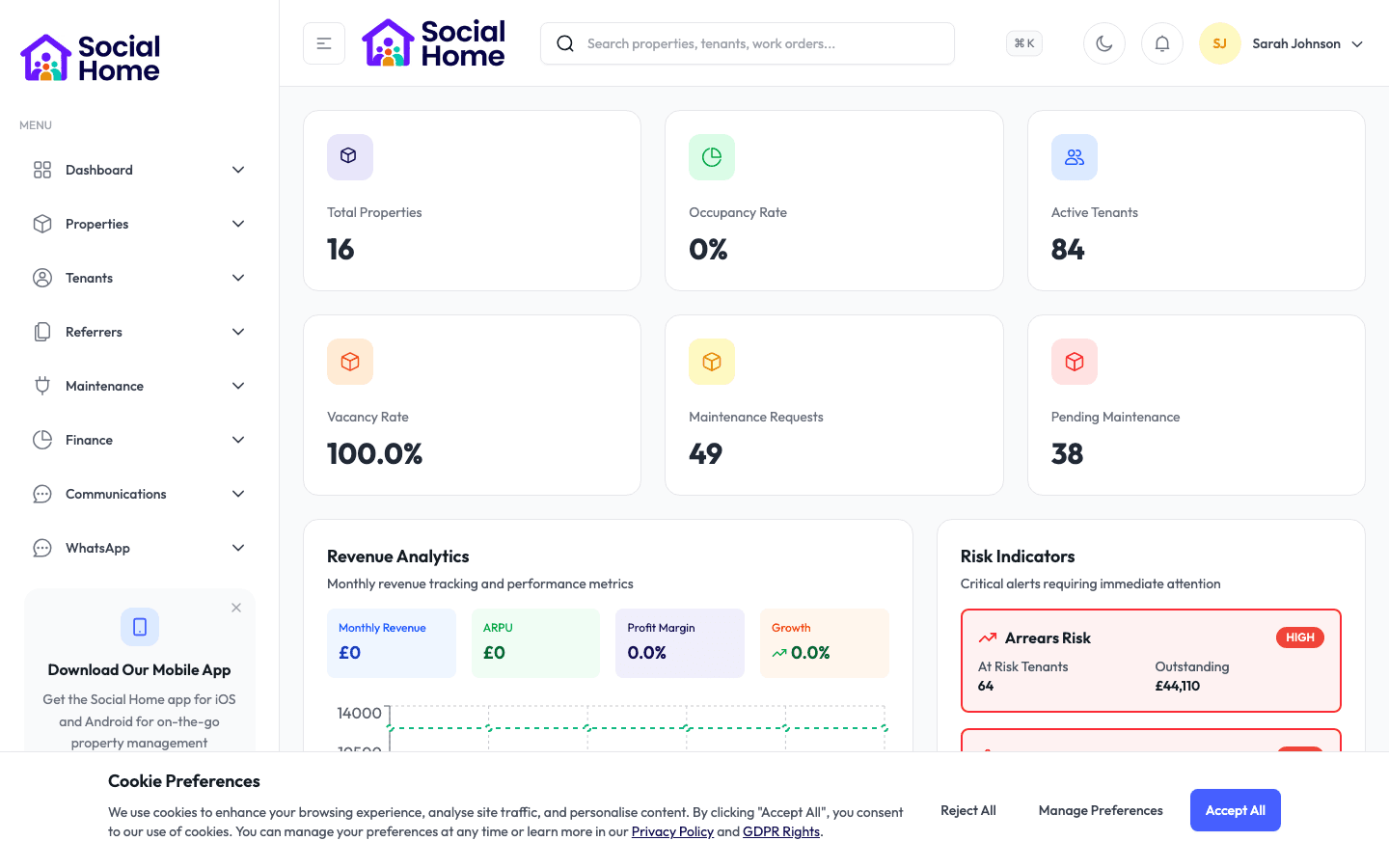
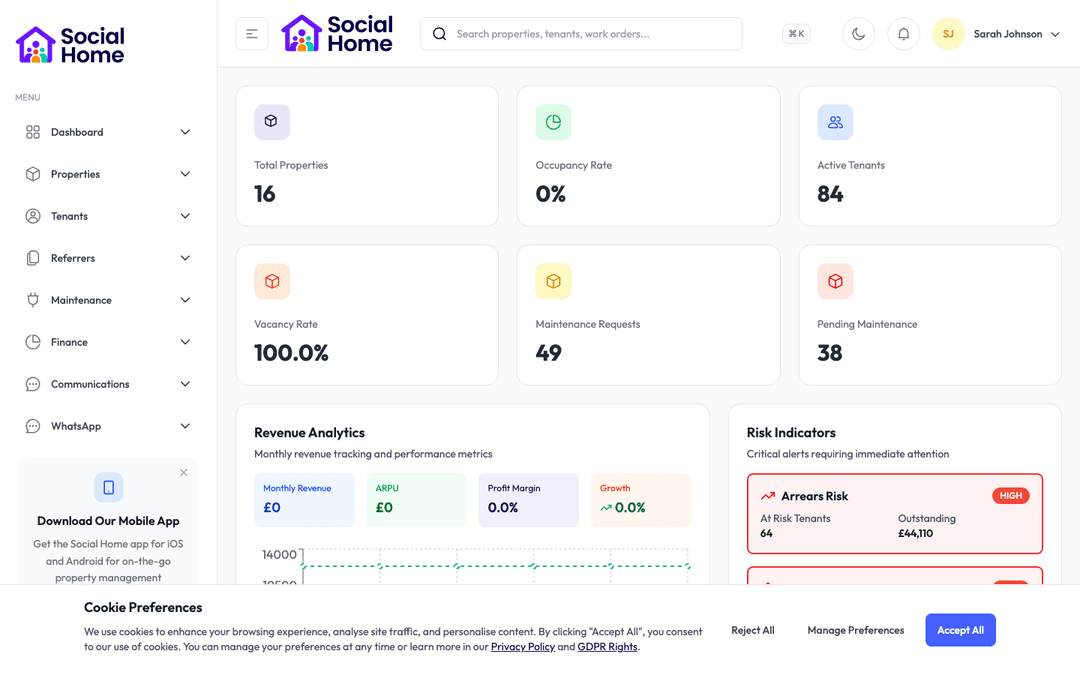
Finance and performance dashboard with portfolio KPIs

Finance & accounting teams

Property accounts that stay tidy and Making Tax Digital ready

Categorised income and expenses, automatic reconciliation, and clean exports for MTD and your accountant.

Property finances get messy fast: rent across many tenancies, expenses on different cards, supplier invoices, and the looming requirements of Making Tax Digital. Social Home keeps it all in order. Rent and payments reconcile automatically, expenses and supplier invoices are captured and categorised, and everything is organised per property and per entity so you always know what each one earns and costs. When tax time comes, you export clean, categorised figures ready for Making Tax Digital and your accountant, no late nights rebuilding the year from receipts. For groups with multiple legal entities it keeps each one's books separate and correct, and it connects with the accounting tools you already use so your data flows instead of being re-keyed.

See this feature in actionCompare alternatives
MTD-ready exports

Why teams invest

  • • Keep books categorised and reconciled in real time
  • • Export MTD-ready figures in one click
  • • Keep multiple entities clean and separate

Available on all devices

Access from your computer: full

Use on your mobile device: web

Your team can work seamlessly whether they're in the office or out in the field. Everything stays in sync automatically, so you always have the latest information at your fingertips.

Pain point

Income and expenses are scattered

Rent in one place, expenses on different cards, supplier invoices in email, it is hard to know what any property truly earns or costs without hours of collation.

  • • All income and expenses captured in one ledger
  • • Categorised automatically by property and type
  • • See real profitability per property and entity
  • • No more end-of-year collation marathons

Pain point

Making Tax Digital adds pressure

MTD means your records must be digital and your submissions clean. Spreadsheets and shoeboxes of receipts do not meet that bar comfortably.

  • • Digital records kept continuously, not retrofitted
  • • Clean, categorised figures ready for MTD
  • • Reduce the risk of errors and penalties
  • • Hand your accountant data they can trust

Pain point

Multiple entities get tangled

If you operate through several companies, mixing their transactions is a serious problem. Keeping each entity's books separate by hand is fiddly and error-prone.

  • • Each legal entity kept separate and correct
  • • Per-entity income, expenses, and reporting
  • • Clean consolidation when you need the group view
  • • Confidence that the books are right at every level

Key capabilities

What you'll love about this feature

Reconciliation that does itself

Rent and payments match to the right tenancy and account automatically, and expenses and supplier invoices are captured and categorised, so your ledger stays accurate in real time.

  • • Automatic rent and payment reconciliation
  • • Expense and supplier invoice capture
  • • Consistent categorisation across the portfolio
  • • Real-time, trustworthy figures

Ready for Making Tax Digital

Because records are digital and categorised as you go, producing MTD-ready figures is an export, not a project, and your accountant gets clean data to work from.

  • • Continuous digital record-keeping
  • • One-click, categorised exports
  • • Accountant-friendly formats
  • • Less stress at every deadline

Connected to your accounting stack

Social Home works with the accounting tools you already use, so data flows between systems instead of being entered twice, keeping both sides in step.

  • • Two-way sync with leading accounting software
  • • No double data entry
  • • Per-property and per-entity mapping
  • • A single, consistent financial picture

Time-saving benefits

Books that keep themselves

Social Home captures, categorises, and reconciles your property finances continuously and syncs with your accounting software, so the books are always close to ready and tax season stops being a cliff edge.

  • • Payments and expenses categorise themselves
  • • Reconciliation happens in real time
  • • Data syncs with your accounting tools automatically
  • • MTD-ready figures are always an export away

Real-world scenarios

See how this works in practice

Scenario: An expense lands on a company card

A repair is paid on a company card and a supplier invoice arrives by email. Both are captured, matched, and categorised against the right property and entity, so by month end there is nothing to chase, the expense is already in the right place.

  • • Expenses captured and categorised automatically
  • • Correct property and entity every time
  • • Nothing to reconcile manually at month end

Scenario: Tax season arrives

Instead of rebuilding the year from receipts, you export clean, categorised figures per entity, ready for Making Tax Digital and your accountant. What used to take weeks now takes an afternoon.

  • • MTD-ready figures in one export
  • • Per-entity accuracy with no untangling
  • • Weeks of work reduced to hours

See it in action

Real screenshots from Social Home

These screenshots show exactly what you'll see when you use this feature. Every detail is designed to make your work easier and more efficient.

Finance and performance dashboard with portfolio KPIs
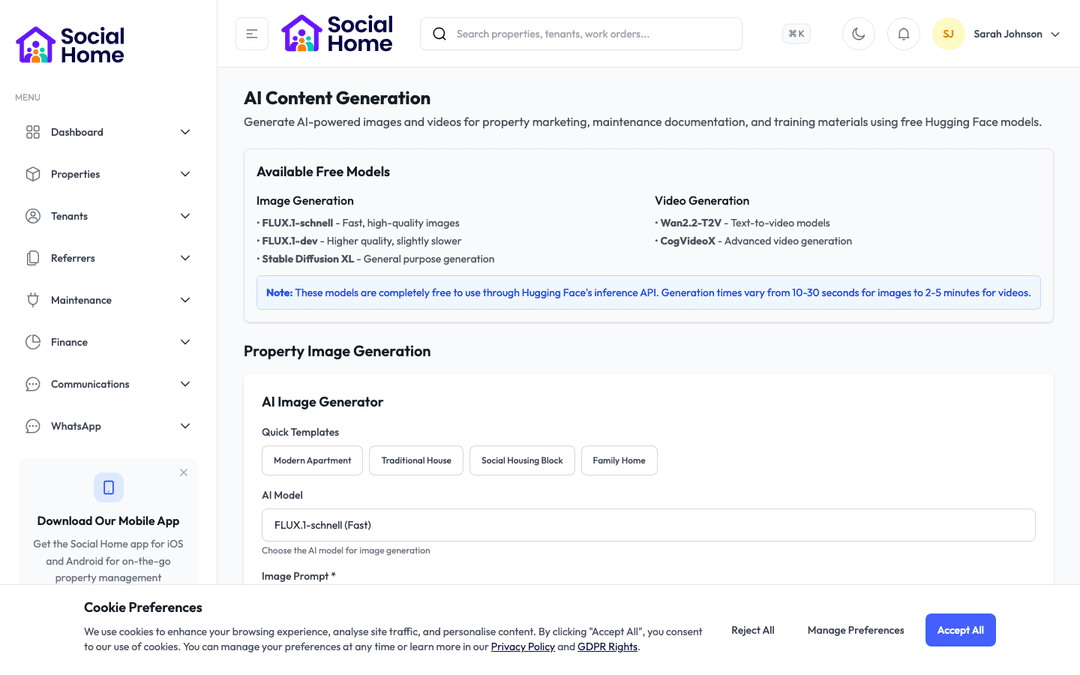
Analytics and AI insights panel with recommended actions
Integration insights dashboard with recommended actions

Customer perspective

“We run several entities and tax season used to swallow weeks. Now the books are categorised and reconciled as we go, the multi-entity split is clean, and the MTD export is a single click. Our accountant actually thanked us.”

Grace Adeyemi — Group Finance Controller

FAQs

Everything teams ask before they sign

Is Social Home ready for Making Tax Digital?

Yes. Records are kept digitally and categorised continuously, so producing MTD-ready figures is a simple export rather than a year-end rebuild. Your accountant receives clean, categorised data, which reduces both effort and the risk of errors at submission.

Can it handle multiple legal entities?

It can. Each entity's income, expenses, and reporting are kept separate and correct, with dedupe and mapping that prevent transactions from one entity bleeding into another. When you need the group picture, the data consolidates cleanly.

Does it work with my existing accounting software?

Social Home connects with leading accounting tools through a two-way sync, mapping income and expenses per property and per entity. That means data flows between systems instead of being re-keyed, keeping your property records and your accounts consistent.

How quickly can we get started?

Most teams are up and running within a week. We provide comprehensive onboarding support, including training sessions for your team, data migration assistance, and dedicated support to ensure a smooth transition. You can start using the platform immediately while we help you import your existing data.

What training and support do you provide?

We offer comprehensive training for all team members, including live training sessions, video tutorials, and detailed documentation. Our support team is available via email, phone, and in-app chat. Plus, you'll have access to our knowledge base with step-by-step guides for every feature.

Back to all features →Finance & BenefitsRent CollectionIntegrations & Automation

Ready to Transform Your Accounting & Making Tax Digital?

See how accounting & making tax digital can transform your operations and help you serve your tenants better. Get started with the Social Home platform today.

Book a Free DemoTalk to SalesSee Pricing

See the workflow, discuss your setup, and choose the right plan for your team

Social HomeSocial Home

Making property management simple and accessible for everyone. Find your perfect home or manage your properties with ease.

Stay Updated

Prefer to explore on your own? Browse the platform features →

Rental Services

  • Find rentals
  • Pricing
  • Jobs
  • Contact

Resources & Guides

  • Blog
  • Resources
  • Social Housing Software
  • HMO Compliance Software
  • Exempt Accommodation
  • Supported Housing Software
  • Planning Permissions
  • BRR Calculator
  • Compare Solutions
  • Tenant Portal
  • Landlord Energy
  • Planning Search

Platform Features

  • Feature overview
  • Property management
  • Tenant management
  • Maintenance & repairs
  • Compliance & safeguarding
  • AI insights & automation
  • Mobile workforce app
  • Mobile App
  • Manage Properties
  • Council Partners
  • Success Stories

Terms & Privacy

  • Trust & Safety
  • Terms of Service
  • Privacy Policy
  • GDPR Rights
  • Disclaimer
  • Subscription Terms
  • Request account deletion
  • Social Housing Providers
  • Supported Living
  • Find Work
  • AI Transparency

Get the Social Home app

Download on the App StoreDownload on the App StoreGet it on Google Play

Google Play and the Google Play logo are trademarks of Google LLC.

© 2026 Social Home. All rights reserved.

InstagramLinkedIn
Built by Veya