Getting started
Getting started with Social Home
A quick tour of the platform: signing in, browsing listings, and accessing your dashboard.
Step-by-step Instructions
Sign in or create an account
Use the Sign in or Sign up buttons in the header. You can also access /signin or /signup directly.
Browse properties to rent
Use the Rent page to search by location, apply filters, and view results in list or grid. The map helps you refine by area.
Manage your portfolio
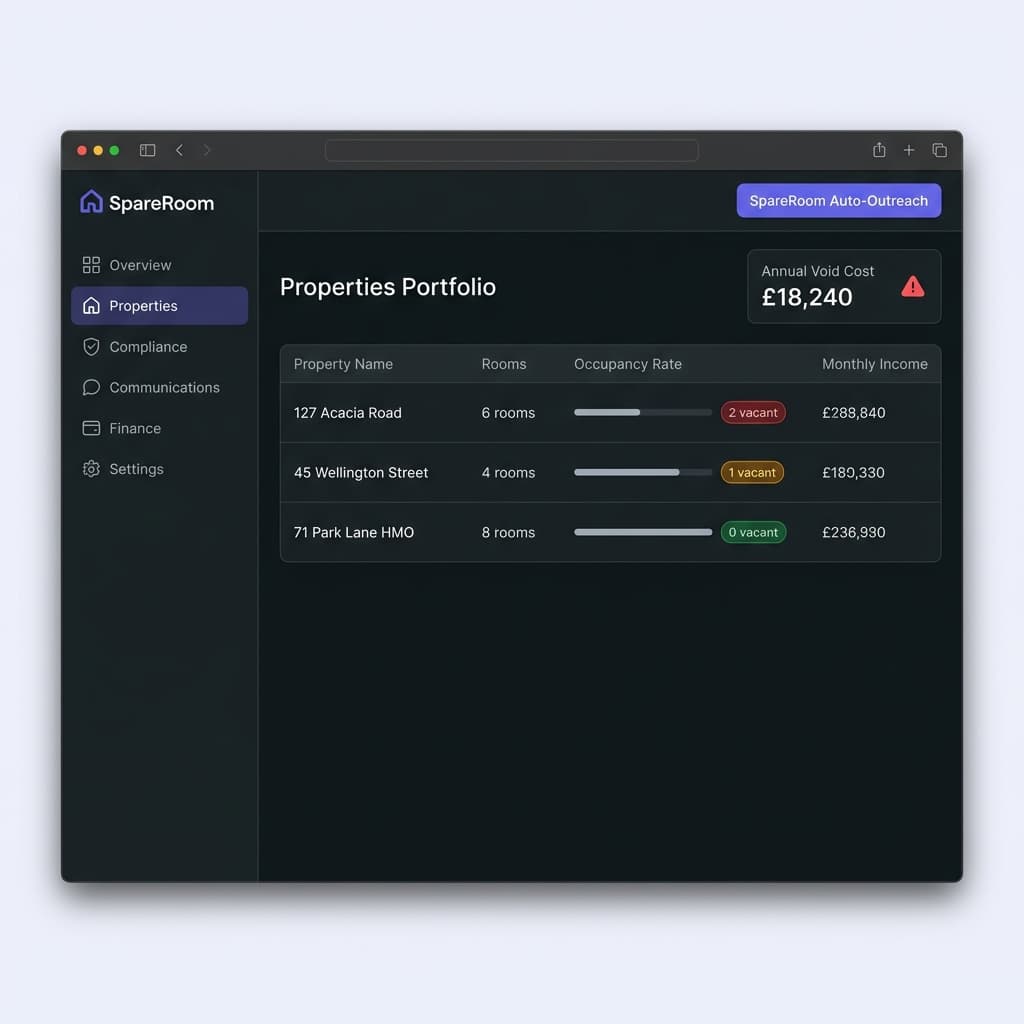
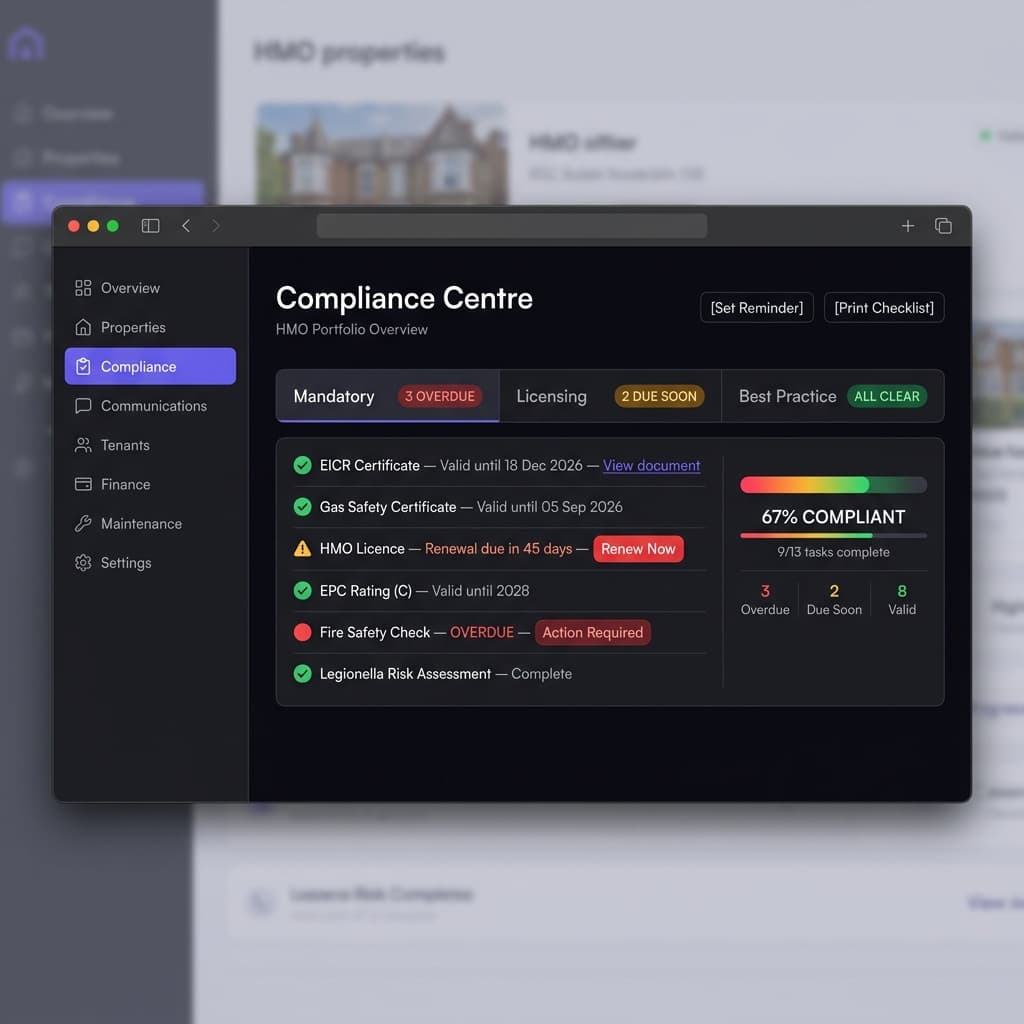
Use Manage Property to access tools for property portfolio, tenants, and maintenance (requires appropriate permissions).
Accessibility Notes
- •All navigation elements are keyboard accessible
- •Forms include proper labels and error announcements
- •High contrast mode supported for better visibility
Frequently Asked Questions
Do I need an account to browse properties?
No, you can browse properties without an account, but signing up allows you to save favorites and contact landlords.
Can I access the platform on mobile devices?
Yes, Social Home is fully responsive and works seamlessly on phones, tablets, and desktop computers.
Is my data secure?
We use industry-standard encryption and follow GDPR guidelines to protect your personal information.
Troubleshooting
Having trouble signing in?
Check your email for verification, clear browser cache, or try the "Forgot Password" link.
Map not loading on the Rent page?
Ensure location permissions are enabled in your browser, or try refreshing the page.
Helpfulness
Related guides
- Searching for properties to rent
Use maps, filters, and search to find suitable properties quickly with precise control.
- Understanding property details
View images, amenities, location, and similar listings to make informed decisions.
- Managing your account and signing in
Access, secure, and manage your account with Sign in and Sign up pages.