Alternatives
Rightmove Alternative - Social Home
Discover why Social Home is the better choice for social housing providers looking beyond marketplace advertising. Get resident journeys, case files, and automated compliance that Rightmove cannot offer.
Description
# Rightmove Alternative - Social Home
## Overview
Rightmove is the UK's largest property portal, focusing on advertising listings to reach millions of potential tenants. However, for social housing providers and property managers, Rightmove's marketplace-only approach leaves critical gaps in resident management, compliance tracking, and ongoing tenancy support.
## Why Social Home is a Better Alternative
### Rightmove's Limitations
Rightmove excels at <strong>advertising properties</strong> but stops there. Once a tenant finds your property, you're left with:
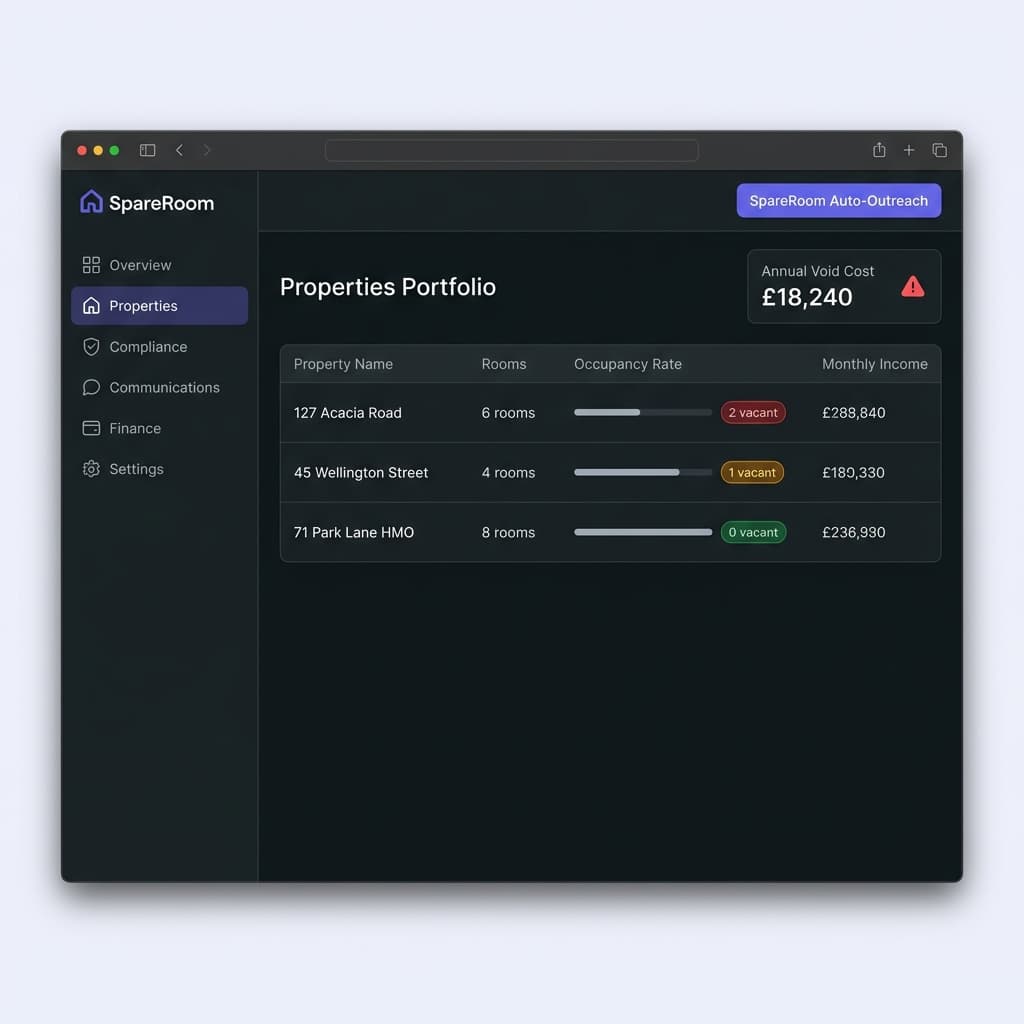
- <strong>No resident journey management</strong> - No guided workflows for onboarding, inspections, or move-outs - <strong>No case file system</strong> - No centralised place to track tenant support needs, safeguarding concerns, or compliance actions - <strong>No automated compliance</strong> - Manual tracking of HMO licences, safety certificates, and regulatory requirements - <strong>No unified communications</strong> - Separate systems for email, SMS, and tenant messaging - <strong>No maintenance workflows</strong> - No integrated system for work orders, contractor management, or repair tracking - <strong>No analytics beyond views</strong> - Limited insights into tenancy performance, arrears patterns, or portfolio health
### What Social Home Provides
Social Home goes <strong>far beyond advertising</strong> to provide complete property and resident management:
#### ✅ Guided Resident Journeys
- <strong>Onboarding checklists</strong> - Step-by-step workflows for new tenant setup - <strong>Inspection workflows</strong> - Automated scheduling and evidence capture - <strong>Arrears management</strong> - Early warning systems and recovery workflows - <strong>Safeguarding tools</strong> - Case file tracking for vulnerable residents
#### ✅ Unified Communications
- <strong>Multi-channel messaging</strong> - Email, SMS, and WhatsApp in one place - <strong>Auditable case notes</strong> - Complete communication history per tenant - <strong>Automated reminders</strong> - Rent due dates, inspection appointments, compliance deadlines
#### ✅ Compliance Evidence Capture
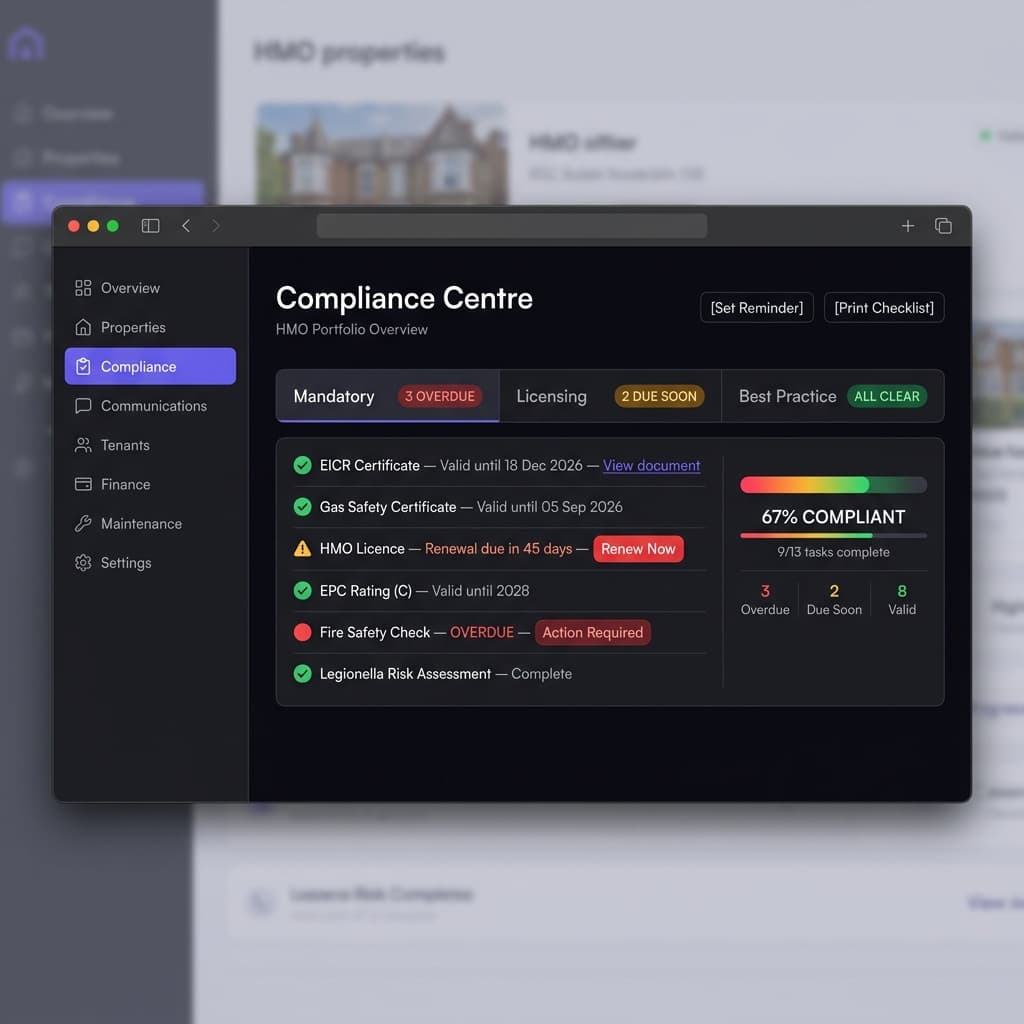
- <strong>HMO licence tracking</strong> - Automatic reminders and document storage - <strong>Safety certificate management</strong> - Gas, electrical, fire safety all in one place - <strong>No spreadsheets required</strong> - Everything digital and searchable
#### ✅ Analytics That Matter
- <strong>Tenancy performance</strong> - Occupancy rates, rent collection, arrears trends - <strong>Maintenance insights</strong> - Cost tracking, contractor performance, repair patterns - <strong>Wellbeing signals</strong> - Early indicators of tenant support needs
## Feature Comparison
| Feature | Rightmove | Social Home | |---------|-----------|-------------| | Property advertising | ✅ | ✅ | | Tenant search reach | ✅ | ✅ | | Resident journey management | ❌ | ✅ | | Case file system | ❌ | ✅ | | Automated compliance tracking | ❌ | ✅ | | Unified communications | ❌ | ✅ | | Maintenance workflows | ❌ | ✅ | | Portfolio analytics | Limited | ✅ Comprehensive | | HMO compliance tools | ❌ | ✅ | | Safeguarding support | ❌ | ✅ |
## Migration Guide
### Step 1: Parallel Running
Run Social Home alongside Rightmove during transition:
1. <strong>Import your property portfolio</strong> - Bulk upload properties, rooms, and current tenant data 2. <strong>Set up resident journeys</strong> - Configure onboarding workflows for new tenants 3. <strong>Train your team</strong> - Use our getting started guide to onboard staff 4. <strong>Test workflows</strong> - Process a few new tenancies through Social Home while Rightmove remains live
### Step 2: Data Migration
- <strong>Property data</strong> - Import all properties, rooms, and amenities - <strong>Tenant records</strong> - Migrate current tenants with their history - <strong>Maintenance history</strong> - Import past work orders and contractor relationships - <strong>Compliance documents</strong> - Upload existing certificates and licences
### Step 3: Full Transition
Once confident with Social Home:
1. <strong>Continue advertising on Rightmove</strong> (if needed for reach) 2. <strong>Process all new tenancies through Social Home</strong> - Use Social Home for the complete tenant lifecycle 3. <strong>Migrate existing tenants</strong> - Gradually move current tenants to Social Home workflows 4. <strong>Deactivate Rightmove</strong> - When Social Home handles all your management needs
## Key Advantages
### For Property Managers
- <strong>Complete tenant lifecycle</strong> - From advertising to move-out, all in one system - <strong>Compliance confidence</strong> - Never miss a deadline or lose a certificate - <strong>Time savings</strong> - Automated workflows reduce manual admin by 60%+
### For Housing Associations
- <strong>Safeguarding support</strong> - Case file system tracks vulnerable residents - <strong>Regulatory compliance</strong> - HMO, fire safety, and housing standards all tracked - <strong>Portfolio insights</strong> - Understand which properties perform best and why
### For Social Housing Providers
- <strong>Resident wellbeing</strong> - Early indicators of support needs - <strong>Arrears prevention</strong> - Automated reminders and payment plans - <strong>Service provider directory</strong> - Find vetted contractors for repairs and support
## Frequently Asked Questions
### Can I still use Rightmove for advertising?
Yes. Social Home complements Rightmove by handling everything after a tenant finds your property. Many customers use Rightmove for reach and Social Home for management.
### How long does migration take?
Most teams complete migration in 2-4 weeks with our guided onboarding. Bulk data import takes 1-2 days, team training 3-5 days, and parallel running 1-2 weeks.
### What if I need help during migration?
Our support team provides migration assistance, data import validation, and workflow configuration. We also offer training sessions for your team.
### Does Social Home integrate with Rightmove?
Currently, Social Home operates independently. However, you can export property data from Rightmove and import it into Social Home using our bulk upload tools.
## Next Steps
1. <strong>Explore the comparison page</strong> - See how Social Home compares to other tools: [/compare](/compare) 2. <strong>Read getting started guide</strong> - Learn the basics: [/resources/getting-started](/resources/getting-started) 3. <strong>Contact our team</strong> - Discuss your specific needs: [/contact](/contact)
## Related Resources
- [Getting Started Guide](/resources/getting-started) - Platform basics - [Manage Gateway Guide](/resources/manage-gateway) - Portfolio management - [Service Providers Directory](/resources/service-providers-directory) - Find contractors - [Compare All Alternatives](/compare) - See all competitor comparisons
Frequently Asked Questions
Can I use Social Home alongside Rightmove?
Yes, many customers use Rightmove for property advertising and Social Home for complete tenant and property management. Social Home handles everything after a tenant finds your property.
How does Social Home compare to Rightmove for property advertising?
Rightmove has superior reach for property advertising. Social Home focuses on complete property and tenant management after advertising. We recommend using both: Rightmove for reach, Social Home for management.
What happens to my Rightmove listings during migration?
Your Rightmove listings remain active. Social Home complements Rightmove by handling tenant management, compliance, and maintenance workflows that Rightmove cannot provide.
Helpfulness
Related guides
- Getting started with Social Home
A quick tour of the platform: signing in, browsing listings, and accessing your dashboard.
- Manage property gateway
Jump into portfolio, tenants, and maintenance from a single overview.
- How to Use the Service Providers Directory
Complete step-by-step guide to finding, vetting, and managing UK-based contractors and service professionals through the Social Home directory.